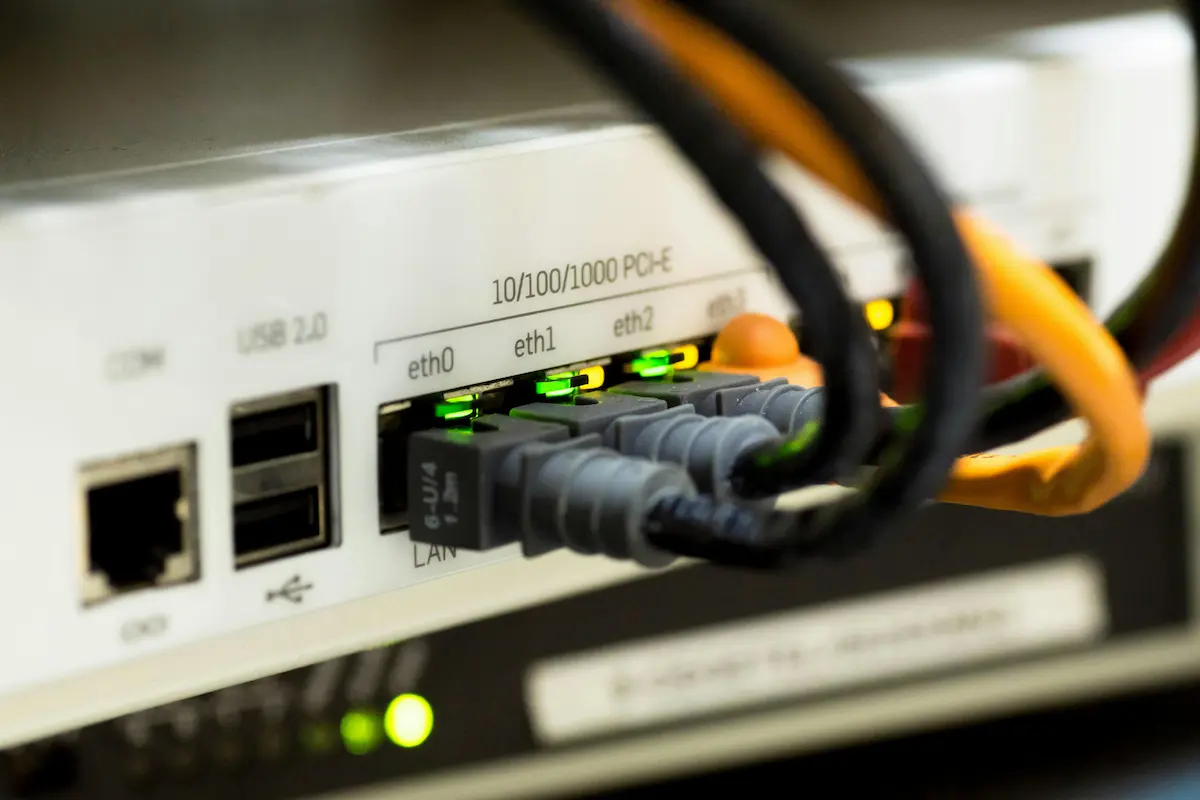
You know that little blinking box your ISP installed in your living room? It's the "brain" of your home, but if it's not locked, it's an invitation for strangers.
In 2026, the router controls everything from Smart TVs to baby monitors. If your internet "doorman" is asleep, anyone can watch your routine. Let's understand how to protect your family without being a tech master.
How the router works (The Doorman of Your Life)
Everything you do online passes through it. When you request a video, the router fetches and delivers it to your device. Its job is also to bar anyone who doesn't live there. If it's easy to trick, your banking data and photos are exposed.
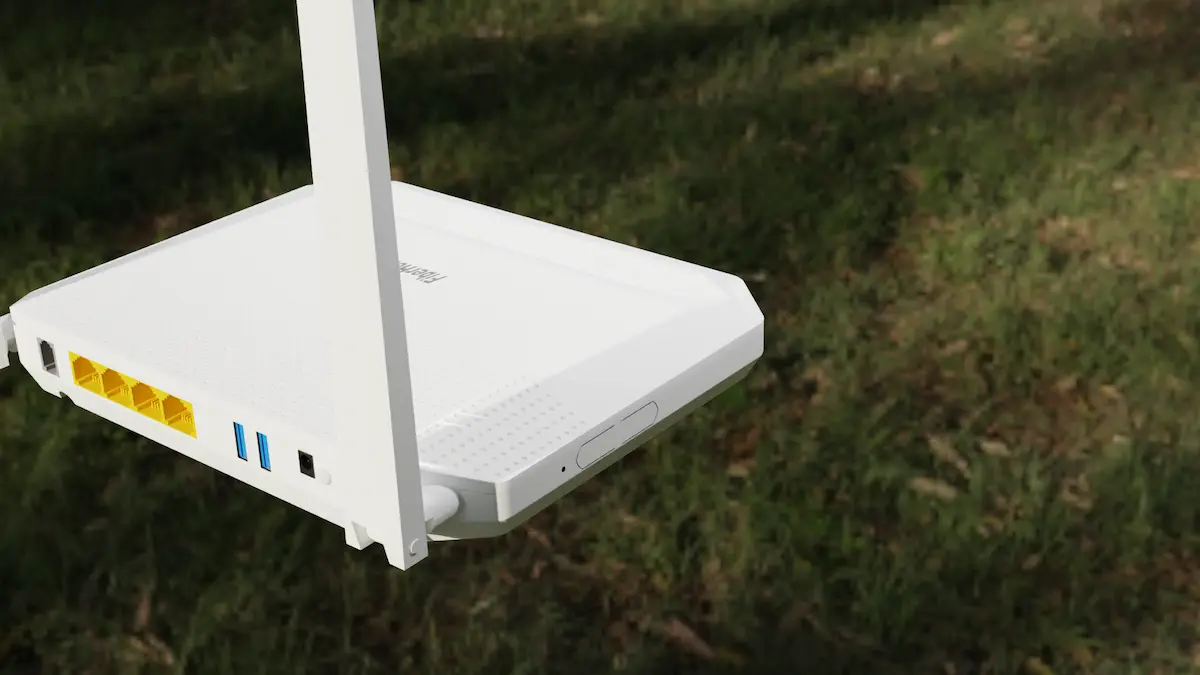
The 2026 scenario: Why have risks increased?
Today, criminals use smart bots to test thousands of devices per second. They look for factory flaws.
1. Invasion through smart "gadgets"
Cheap Wi-Fi bulbs and baby monitors are easy targets. Hackers invade the bulb and, through it, jump to your router. Once there, they watch your phones and computers.
2. The Shared Wi-Fi Scam
Giving your password to a neighbor to "help out" is a risk in 2026. If their phone has a virus, that virus travels through Wi-Fi and infects yours too. Avoid sharing main access.

5 Golden Tips to Protect Your Family
- Use the "Guest Network": Put TVs and bulbs on it. Keep the main network for phones and banking only.
- Disable "Remote Access": If the technician doesn't need to fix it remotely right now, close this door.
- Beware of old devices: Routers over 5 years old are easy targets due to lack of updates.
- The Monthly "Reset": Unplug for 30 seconds once a month. This clears strange connections.
What to ask when buying a new one?
If buying, look for two acronyms: Wi-Fi 6 and WPA3. They are the most modern standards for speed and security in 2026.